
Google Play Store
Google Play Store is Google's digital distribution platform for Android, used to find, install and update apps, games and books.
101.1 MB

2.5.0 · sika524 · Page updated
QuickShortcutMaker is a small Android tool for creating home screen shortcuts to specific screens of installed apps, including hidden settings.
Average 0.0 · ratings: 0
Thank you! Your rating is saved; you can change it. Could not save the rating. Please try again later. Too many ratings from your network today. Please try again tomorrow. The average appears after 5 ratings.
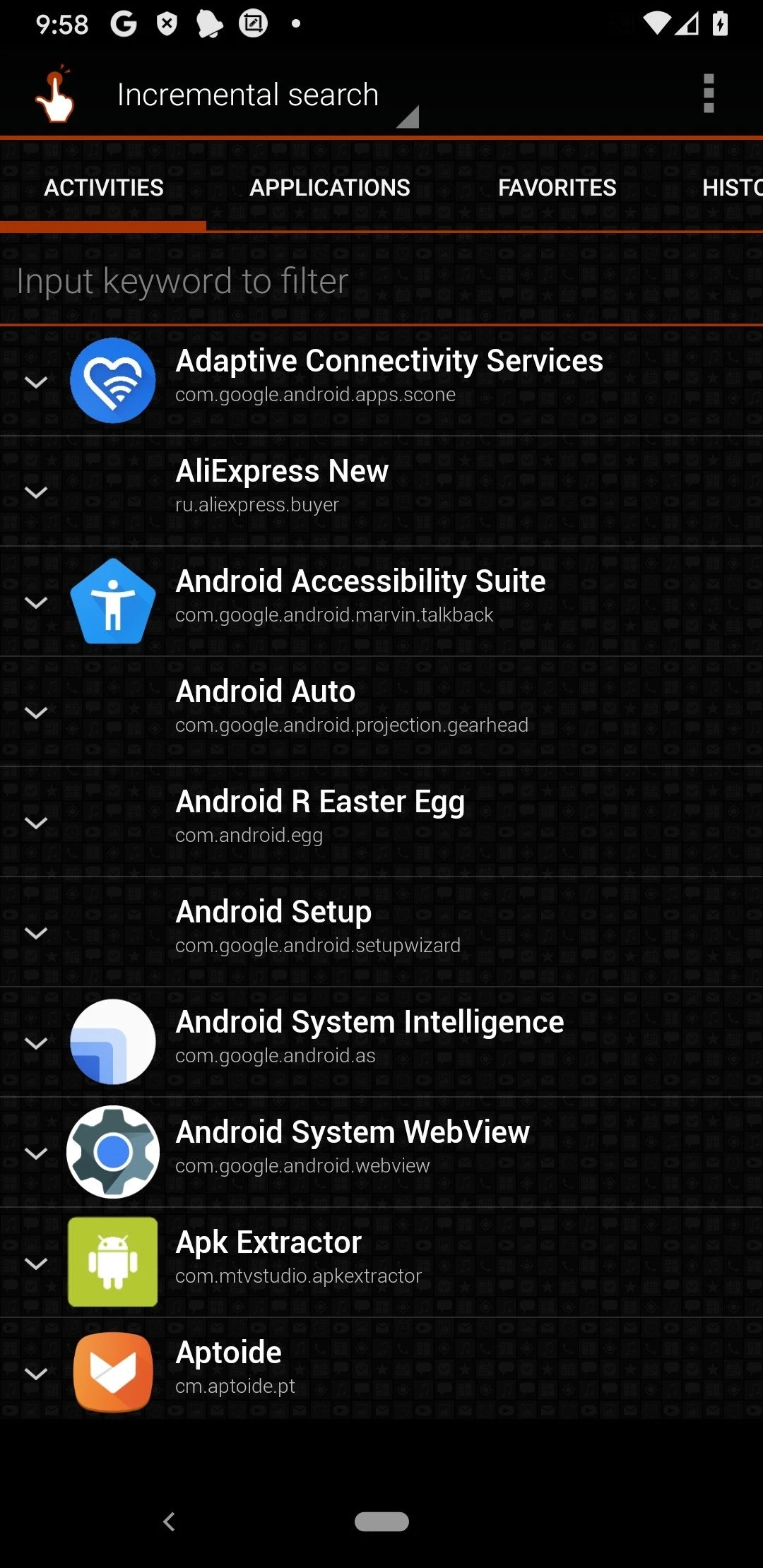
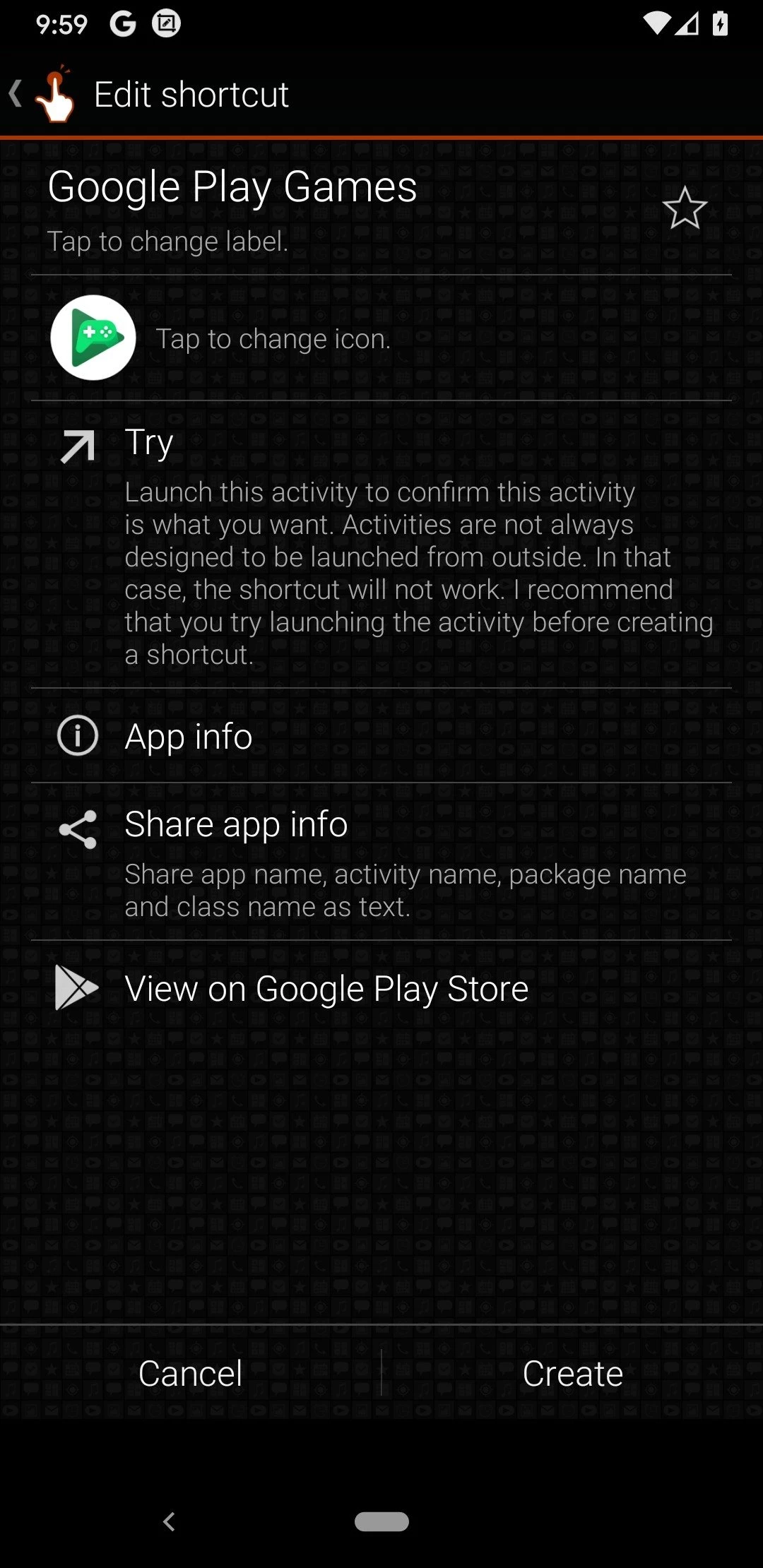
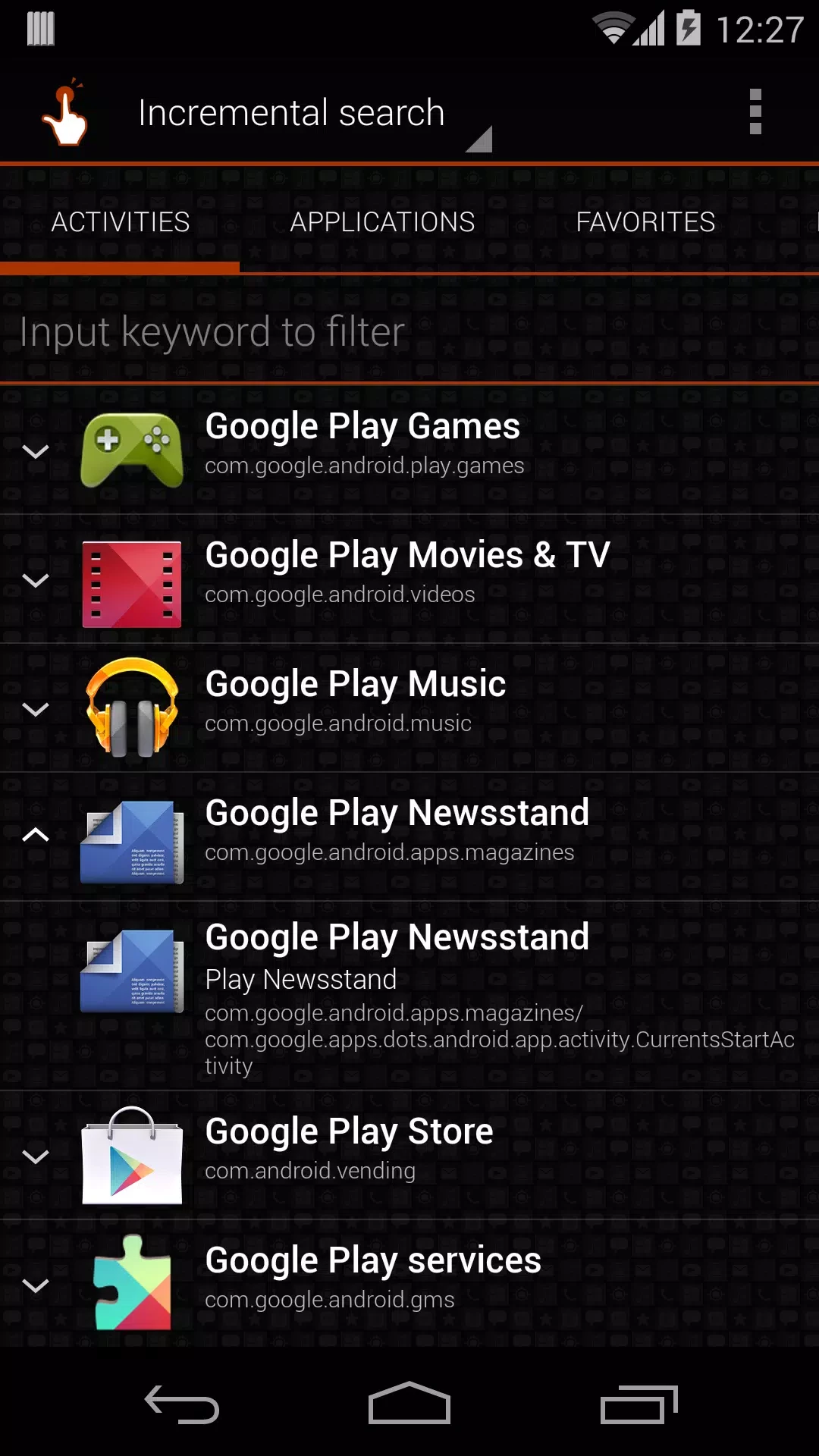
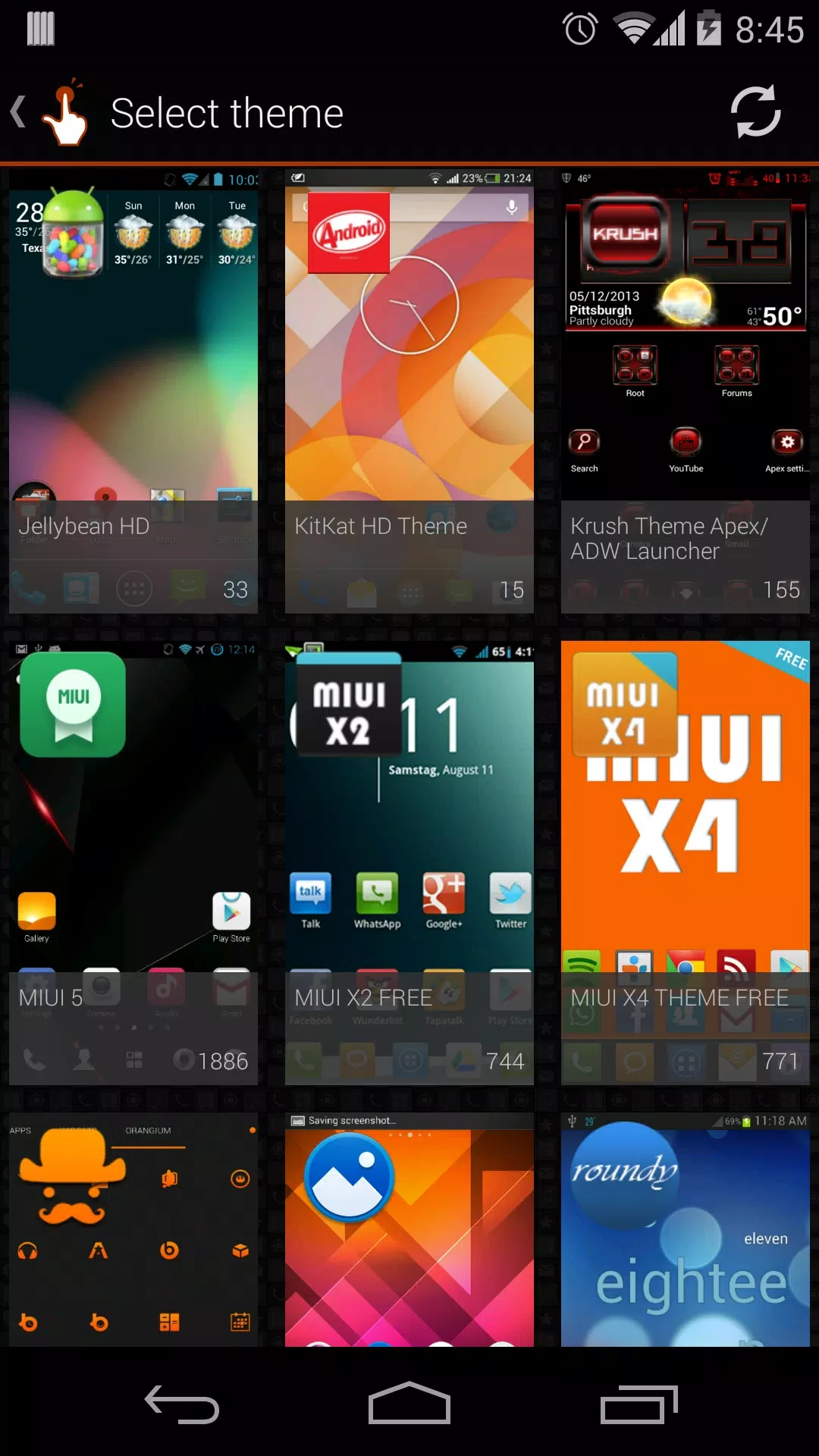
QuickShortcutMaker 2.5.0 is a small Android tool by sika524 that creates home screen shortcuts to specific screens of installed apps. People download QuickShortcutMaker to reach hidden settings pages quickly or to jump straight to a part of an app that is buried deep in its menus.
Android apps consist of separate screens called activities. The launcher normally only opens the main one, while the rest can be reached through the app's own menus, if at all. QuickShortcutMaker lists the activities of the apps on your phone, lets you search them and places a shortcut to the one you choose on the home screen. A typical example is a system settings page that a phone maker has hidden or moved several levels down: with a shortcut, you tap once instead of opening five menus. The app is also popular among people who repair or configure phones, because it gives a quick way into service screens. It does not change the apps themselves; it only opens screens that already exist.
Not really, but the list of activities is technical. Names often look like program code rather than plain English, so you may need to try a few entries before you find the right screen. Start with apps you know and look for recognisable words such as settings or display.
The tool itself only launches screens that are already on your phone. The risk is in what you do there: hidden pages can change network, battery or display settings, and some are meant for service engineers only. Look first, change settings only when you understand them, and write down the original values. We do not have an official website for the app in our data, so avoid APK mirror sites and use Google Play, where modified copies are less likely.
Yes, QuickShortcutMaker is freeware. It is small, about 2.21 MB according to catalogue data.
Some activities expect data that the app passes internally and fail when opened directly. That is normal. Delete the shortcut and try another activity, or use the app's own menus for that function.
A similar tool in our listings is Activity Launcher. For wider system access without full root, see Shizuku.
Google Play Store is Google's digital distribution platform for Android, used to find, install and update apps, games and books.

APKPure is a third-party app marketplace for Android that installs apps from APK files outside Google Play. This page covers version 3.20.7803.

Aptoide is an open-source alternative app store for Android, running since 2009. This page covers version 9.22.5.3.

Test DPC is a sample device policy controller for Android Enterprise, used by developers and IT administrators to test work profiles and management policies.